
Last updated November 15, 2026
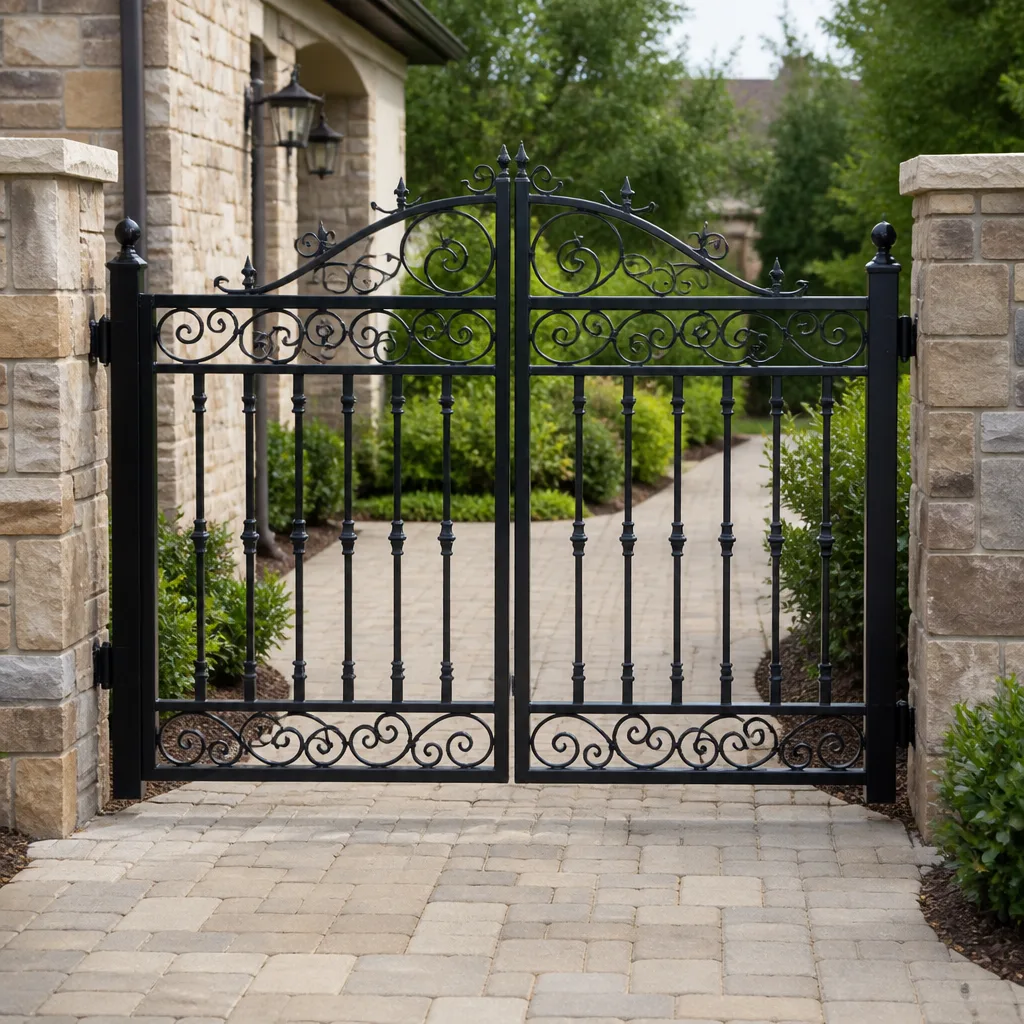 Wrought iron
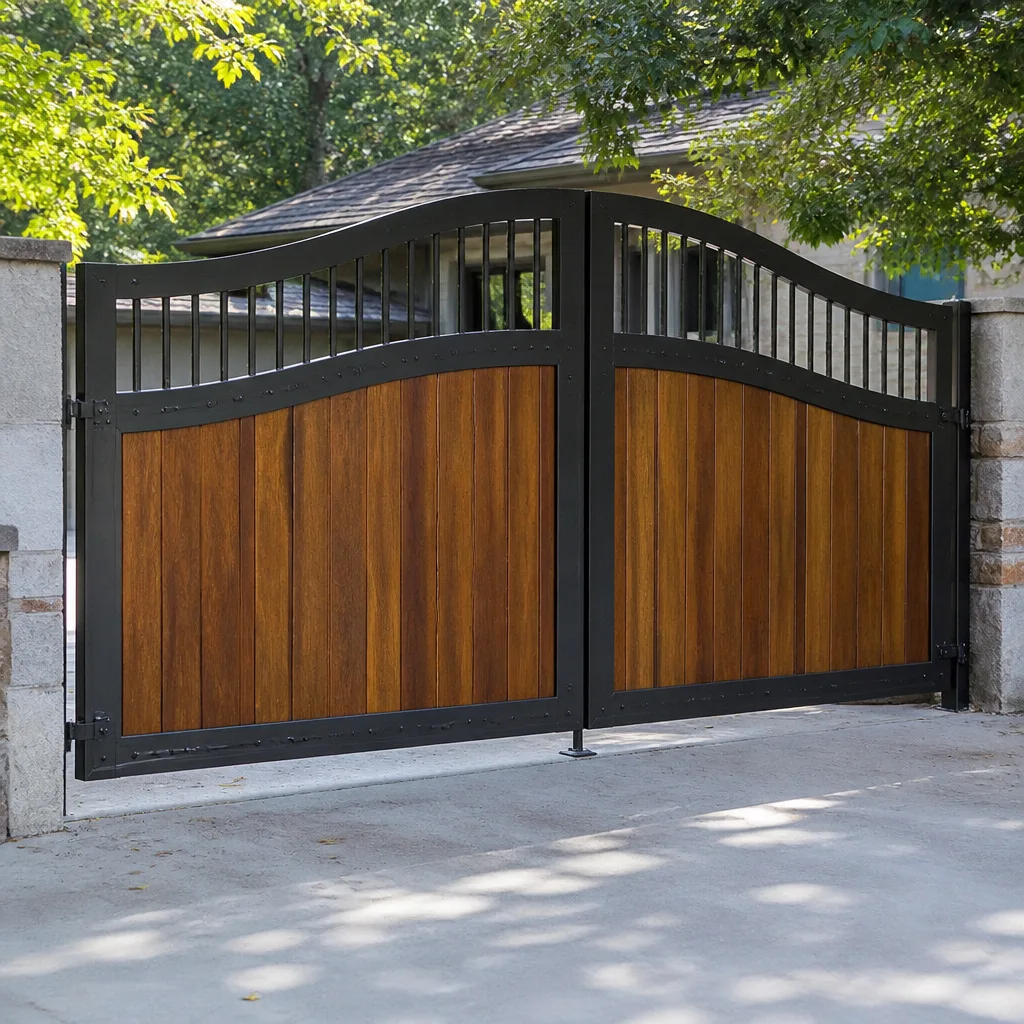 Wood & steel frame
 Farm & ranch
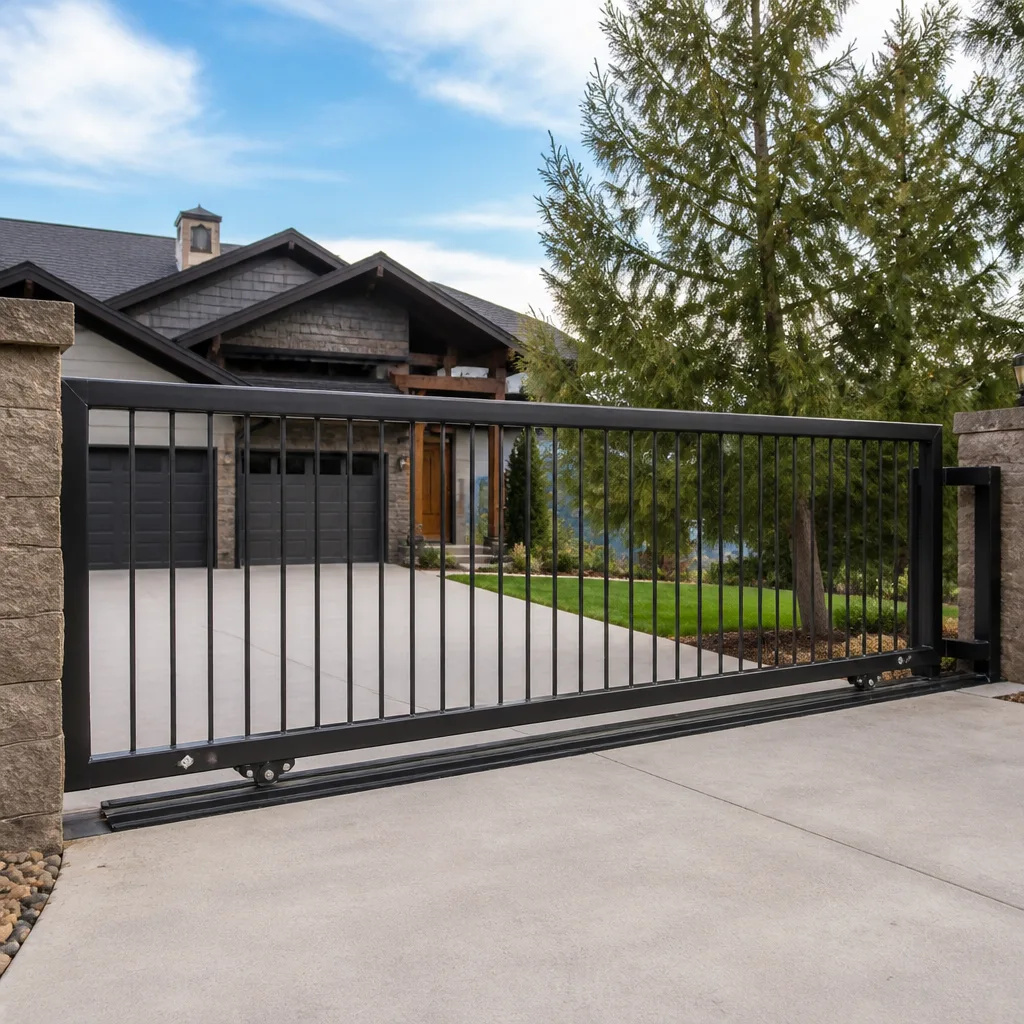 Sliding driveway gates
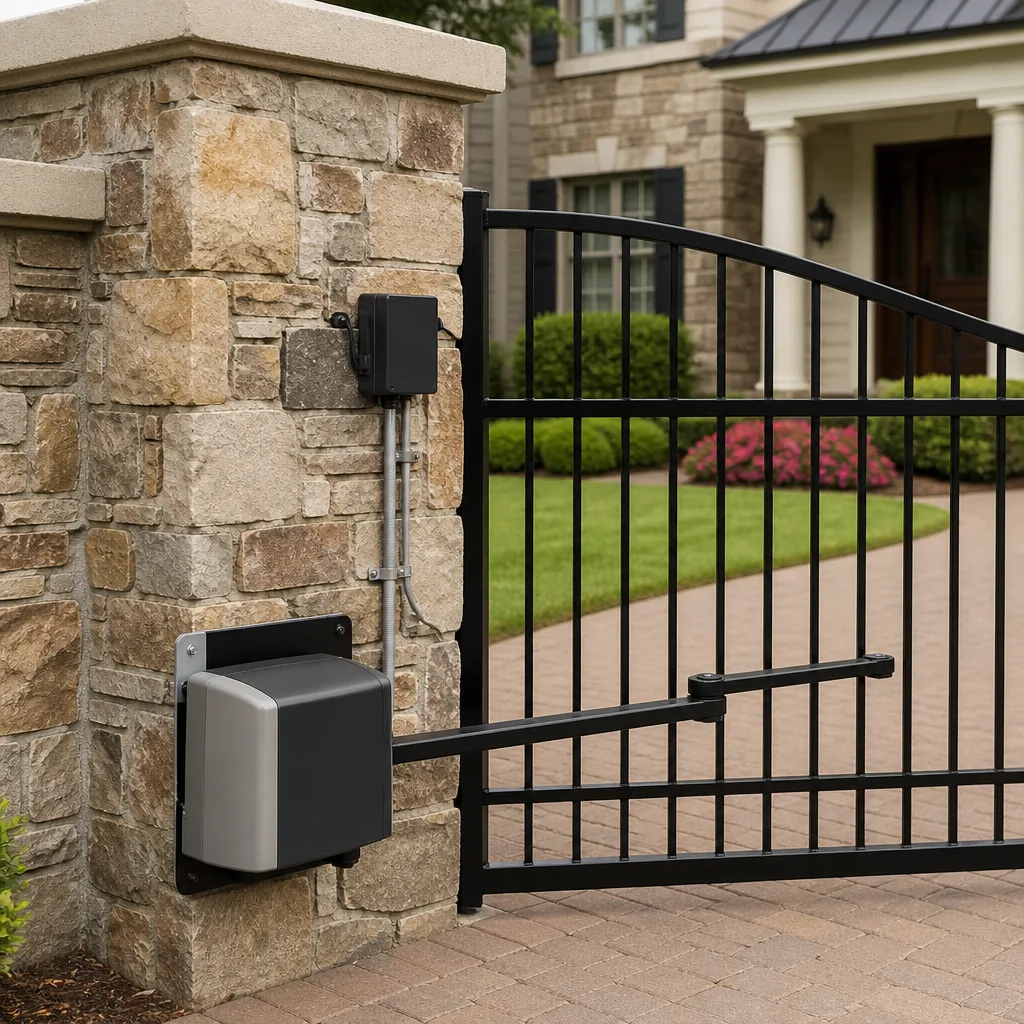 LiftMaster operators
Free on-site gate assessment - hinges, posts, and your LiftMaster or Nice gate operator checked before anything is quoted
The assessment is free and the quote is the invoice.
Get your free estimateGate Repair Warning Signs: An Elgin Homeowner’s Reference Guide
A gate that reverses for no apparent reason isn’t malfunctioning. It’s doing exactly what it was built to do. That single symptom, which sends more Elgin homeowners reaching for the phone than any other, almost always traces back to a photo-eye that’s misaligned, fogged with condensation, or blocked by a stray branch, not a failing opener. The gate is protecting you from itself. Most people misread that signal and either book a service call they didn’t need or, worse, bypass the safety feature entirely. This guide decodes what your gate is actually telling you: which sounds map to which systems, why intermittent failures and progressive failures point in opposite directions, and why a gate that struggles in an Elgin winter usually isn’t a mechanical problem at all.
Quick Answer
A failing electric gate announces itself through four channels: unusual sounds (grinding, clicking, humming), movement problems (slow, jerky, or partial travel), control failures (remote works but keypad doesn’t, or the reverse), and safety reversals. Intermittent symptoms usually point to electrical causes like loose connections, control board faults, or radio interference, while progressive symptoms point to mechanical wear and alignment drift. If your gate reverses unexpectedly, stops mid-travel, or shows an entrapment condition, treat it as a safety issue and stop using it until a technician inspects it.
Styles & brands we work with
- Wrought iron
- Wood & steel frame
- Farm & ranch
- Sliding driveway gates
- LiftMaster operators
Table of Contents
- What Your Gate’s Sounds Are Telling You
- Movement Problems and What They Mean
- Control Failures: Remote vs. Keypad vs. Everything
- Intermittent vs. Progressive Failures
- Why Your Gate Struggles in Winter (And Why a New Gate Won’t Fix It)
- Reading Your Operator’s Diagnostic LED or Error Code
- Safety-Critical Signs vs. Schedule-It Signs
- Brand Matters: Why a Gate Specialist Beats a Generalist
What Your Gate’s Sounds Are Telling You
Your gate’s noises are a direct readout of what’s happening inside the operator and along the track or hinge line. Grinding, clicking, and humming each mean something different, and confusing them sends you down the wrong repair path. Here’s the decoder we use on every service call in Elgin.
- Grinding: Metal-on-metal contact. On a slide gate, this usually means worn rollers, a dry or damaged track, or debris caught in the rail path. On a swing gate, it’s often hinge wear or a bent arm. Grinding is mechanical and it accelerates, so it’s worth addressing before the motor starts working harder to compensate.
- Clicking: A rhythmic click, especially when the gate should be moving but isn’t, points toward a relay or capacitor on the control board, or a limit switch that’s not registering. Clicking is electrical in origin far more often than mechanical.
- Humming without movement: The motor is receiving power but the gate isn’t traveling. This can be a stripped gear, a seized bearing, or the operator commanding movement while a safety input holds the gate in position. Humming is the sound of effort without result, and it’s the one that burns motors out fastest if you keep cycling the gate.
- Buzzing or a low electrical hum from the control box: Usually a transformer or wiring issue. Not something to poke at yourself given the line voltage involved.
One thing that trips people up: a grinding noise that sounds mechanical can be caused by an electrical fault. If the control board sends the gate a command to close while the limit switch has already told it the gate is closed, the operator can drive against its own stop and produce a grind that has nothing to do with the track. That’s why we diagnose the control side before we start replacing hardware. Diagnosing the actual root cause saves you from paying for parts you didn’t need.
Movement Problems and What They Mean
How your gate moves tells you where the resistance is coming from. Slow, jerky, and partial-travel symptoms each map to a different part of the system, and they don’t all point to the motor.
Slow operation
Motor failure is the least likely cause of a gate that’s running slow. When a gate slows down, the motor is usually working harder than it should because something downstream is resisting. Common culprits: rollers that have flat-spotted or seized, a track that’s out of alignment, a hinge that’s rusted through a wet Elgin spring, or a voltage drop reaching the operator. If your gate slows progressively over weeks, the mechanism is the first thing to check, not the motor.
Jerky or stuttering travel
Jerky movement is usually a sign of a gate binding against something at a specific point in its travel. A slightly bent track section, a loose mounting bolt, or a gate that’s settled a fraction of an inch out of plumb will all cause stutter at the same spot every cycle. Jerkiness that happens everywhere rather than at one point points back to the control board or the motor’s soft-start logic.
Partial travel (gate stops midway)
A gate that consistently stops at the same spot is usually hitting a limit switch that’s drifted out of position, or a safety sensor that’s being tripped by an obstacle at that point in the path. A gate that stops at random spots is more often a control board fault or a power supply issue. Note where it stops, because that detail alone can save your technician a lot of diagnostic time.
Gate that reverses immediately on closing or opening
Reversing on contact or shortly after starting is the safety system working as designed. A misaligned or dirty photo-eye, a safety edge with a damaged wire, or a loop detector sensing a false presence will all cause this. Do not disconnect the safety device to “make it work.” That removes the exact feature that prevents the gate from closing on a person, a pet, or a vehicle.
Control Failures: Remote vs. Keypad vs. Everything
Which control method fails is one of the fastest ways to narrow down a gate fault before anyone opens a panel. The pattern points to the layer of the system that’s actually broken.
- Remote works, keypad doesn’t (or the reverse): The fault lives in the input device itself or its receiver. A failed keypad is usually a keypad, not the operator. A failed remote while the keypad still works points to a receiver channel or a specific remote that needs re-pairing. This is often a fifteen-minute fix.
- Neither the remote nor the keypad works, but the gate is powered: The fault is in the operator’s receiver or the low-voltage wiring shared by all input devices. Check for a tripped breaker or a low-voltage fuse first, then look at the shared connection point.
- Inside controls work, outside controls don’t: Almost always wiring. The outside path runs through the ground, through a post, or along the fence line, and it’s exposed to everything Elgin weather throws at it. Faults here show up as intermittent more than total failures.
- Nothing works and the gate is dead: Power issue at the operator. Check the breaker, then check the operator’s own fuse. If both are fine, the control board or transformer is the likely culprit.
Radio frequency interference is worth a mention. A remote that works “sometimes” and fails “sometimes” can be getting stepped on by a nearby signal. Try a fresh battery, try a second remote, and if both show the same inconsistent behavior, the receiver is suspect. For homeowners on electric gate repair, this kind of sorting matters because it tells us which panel to open first.
Intermittent vs. Progressive Failures
Two failure patterns, two very different diagnostic paths. Understanding which one you have can save you and your technician real time.
Intermittent failures usually point to electrical problems
An intermittent failure is a fault that comes and goes. The gate works fine for three days and then fails once. The gate opens normally from the keypad but not the remote every fifth time. Intermittent problems almost always trace to:
- Loose or corroded connections, especially low-voltage terminals
- A control board that’s beginning to fail
- Radio frequency interference (an errant signal from a nearby source)
- A safety device that’s on the edge of tripping
- A weak battery in a remote, or a low-voltage power supply that sags
Intermittent problems are the hardest to diagnose because they don’t show up on demand. When you call us, tell us exactly when the failure happens and what the gate was doing right before. That pattern is often more useful than a live test.
Progressive failures usually point to mechanical wear
A progressive failure starts small and gets steadily worse. The gate is a little slower this month than last. A slight grinding that’s now louder. Progressive failures almost always trace to:
- Worn rollers, hinges, or bushings
- Track or hinge-line alignment drift
- Lubrication that’s dried out
- Motor or gear wear after many cycles
- Post settling that’s shifted the gate’s geometry
Progressive problems don’t self-heal, and they don’t need to become emergencies. Caught early, they’re usually a parts-and-adjustment job. Left alone, they stress the motor and the control board until a mechanical fault triggers an electrical failure too. That’s how a routine tune-up becomes a full operator replacement.
Why Your Gate Struggles in Winter (And Why a New Gate Won’t Fix It)
A gate that runs flawlessly through an Elgin summer and grinds to a crawl by January is telling you something specific: the problem is likely thermal or battery-related, not mechanical. Elgin’s winter swings from mild daytime temps to well below freezing overnight, and that range hits an electric gate in ways a homeowner doesn’t always connect to the symptom.
Battery and cold-weather effects
Most residential solar or battery-backed gate operators rely on lead-acid or lithium batteries. Cold weather reduces a battery’s available capacity dramatically. A battery that still has plenty of life in July can’t push enough current in February to cycle a heavy gate through a binding track. The gate doesn’t fail because the mechanism is broken; it fails because the operator can’t deliver the power it needs to overcome normal resistance. If your gate is fine in spring and fails in deep winter, suspect the battery before you suspect the gate.
Thermal protection kicking in
Many operators have a thermal cutoff that shuts down the motor after a certain number of cycles or a sustained high-current load. In cold weather, the motor works harder, draws more current, and hits the cutoff sooner. A gate that stops after three cycles in winter but ten in summer is showing you thermal protection at work.
Why a new gate won’t fix it
If the underlying cause is a battery that can’t hold charge in the cold, a tired control board, or a motor drawing excess current, installing a new gate or a new operator of the same spec will reproduce the same problem next winter. The fix is diagnosing the power and thermal path, not replacing the parts that work fine in July. A gate repair visit in the fall can catch this before the first hard freeze.
Other winter-specific symptoms
- Gate grinding louder in cold weather: stiff lubricants thicken, so a track that was fine in summer may need a cold-rated lubricant
- Safety sensors triggering in cold, wet conditions: moisture on a photo-eye can trigger a false obstruction
- Operator tripping a breaker in cold weather: current draw on a cold start is higher
None of these are gate failures. They’re operator and power-system behaviors, and they’re completely diagnosable.
Reading Your Operator’s Diagnostic LED or Error Code
Most modern gate operators have a diagnostic LED or a small display that tells you what the operator itself thinks is going wrong. It’s the single most useful twenty seconds you can spend before calling anyone. The exact codes vary by brand, but the diagnostic process is consistent.
- Locate the diagnostic LED or display. It’s usually inside the operator housing or on the control board. Depending on the model, you may need to open a small cover; don’t touch anything beyond the visible LED.
- Note the blink pattern or code. On many LiftMaster and Linear operators, the diagnostic LED blinks a number of times in a sequence, pauses, then repeats. Count the blinks. That count corresponds to a specific condition: photo-eye fault, obstruction, limit switch error, motor overcurrent, or a control input issue.
- Cross-reference your brand’s manual. Every operator manual lists the blink codes and their meanings. If you can’t find yours, our technicians keep reference notes for all nine brands we service, including BFT, Linear, Viking, and Ghost Controls.
- Check the obvious safety inputs first. If the code points to a photo-eye or safety edge, clear any obstruction, wipe the lenses, and check that nothing’s blocking the beam. A large fraction of blink codes are resolved here.
- Try a power cycle. Some intermittent control board faults clear on a full power cycle. Turn off the breaker, wait a minute, turn it back on, and see if the fault returns.
- Record what you observe. Note the code, the behavior (reverses, stops partway, won’t start), and any recent changes (weather, gate use, anything done near the gate). Give this to your technician.
If the code points to a motor overcurrent, a limit error that keeps returning, or anything involving the control board itself, stop cycling the gate and call a technician. Running a gate with a known fault puts wear on the components that are still working.
Safety-Critical Signs vs. Schedule-It Signs
Some gate symptoms mean “schedule this soon.” Others mean “stop using the gate now.” Knowing which is which is the most important skill on this page, and it’s the one homeowners get wrong most often.
Stop using the gate now: safety-critical signs
- Reverse-on-contact fails: If the gate closes on an object and doesn’t reverse, the safety system isn’t working. This is an entrapment hazard. Stop using the gate.
- Safety edge damaged or missing: The edge is what detects a person or vehicle at the gate itself. If it’s cut, missing, or disconnected, the gate should not be operated.
- Gate reverses with no obstruction, repeatedly: The operator is doing its job, but the safety input is bad. That’s a diagnostic job for a technician, not a “reset it and hope” situation.
- A gate that has come off its track, sagged, or is scraping ground: A heavy gate panel that’s off its track can crush a person or damage property. Don’t try to force it back into place.
- Visible damage to hinges, mounting posts, or gate frame: A gate is a moving barrier with real weight and real momentum. Structural damage to any of it is a stop sign.
- Smoke, a burning smell, or a tripped breaker that keeps tripping: Electrical fault. Stop cycling the gate and call a technician.
Schedule-it-soon signs
- Grinding that’s new but the gate still runs
- Operating slower than it used to
- Remote that’s failing intermittently
- Clicking or humming that doesn’t stop the gate from working
- Occasional stutters in travel
- Diagnostic code that returns after a power cycle but the gate still functions
None of these will hurt anyone today, but all of them are telling you that a component is failing. Scheduling now is the difference between a small repair and a full operator replacement.
Brand Matters: Why a Gate Specialist Beats a Generalist
Gate systems aren’t one product; they’re a family of products with wildly different diagnostic approaches. An operator on a Mighty Mule residential gate doesn’t behave like a DoorKing commercial access control system, and the technician on the other end of the phone needs to know the difference before the first bolt turns.
We work on nine brands specifically: LiftMaster, FAAC, BFT, Linear, Viking, Ghost Controls, DoorKing, Elite, and Mighty Mule. That range covers entry-level residential openers up through commercial-grade operators, and it means we’re already familiar with the control board layouts, diagnostic codes, limit switch setups, and safety-input logic on your system before we arrive. When the gate on a property running a BFT or Ghost Controls operator fails, we know exactly what to check first.
That level of familiarity isn’t the same as a general handyman or a garage-door company that picks up gate calls on the side. On a residential swing gate, the actual failure is often in the operator’s control logic, not in the gate hardware. A technician trained on the operator recognizes that faster. Our technicians have up to 9 years of experience across the residential and commercial gate systems we see throughout Elgin, and the pattern recognition that comes with it means fewer unnecessary parts and better diagnosis.
Common Mistakes to Avoid
- Disconnecting the safety device to “make it work.” A gate that closes without a functioning safety edge or photo-eye is an entrapment hazard. Never bypass a safety input, even temporarily, to get the gate running for the day.
- Replacing the battery when the real problem is a binding track. A new battery can’t overcome mechanical resistance. If your gate works in July and fails in January, check the mechanism first, then the power path, and don’t assume the battery is the whole story.
- Pushing a gate back on track when it’s derailed. A heavy gate panel that’s off its track can cause serious injury if it shifts while you’re working on it. Leave the realignment to a technician with the right equipment.
- Applying the wrong lubricant to a cold-weather track. Grease that’s fine in summer can thicken and cause drag in an Elgin winter. Use the cold-rated lubricant your operator or track manufacturer recommends, and don’t mix types.
- Assuming a new gate will fix a control or power problem. If the underlying fault is a failing control board, a bad battery, or a power supply issue, a new gate reproduces the same failure next season. Diagnose before you replace.
- Ignoring intermittent symptoms until they’re permanent. A remote that fails “sometimes” is telling you something today. Waiting until it fails every time turns a small fix into a control board replacement.
- Calling a general handyman for a gate operator fault. Gate operators aren’t a generalist trade. A technician unfamiliar with the brand and the model will spend your time learning the system instead of diagnosing it.
See the difference
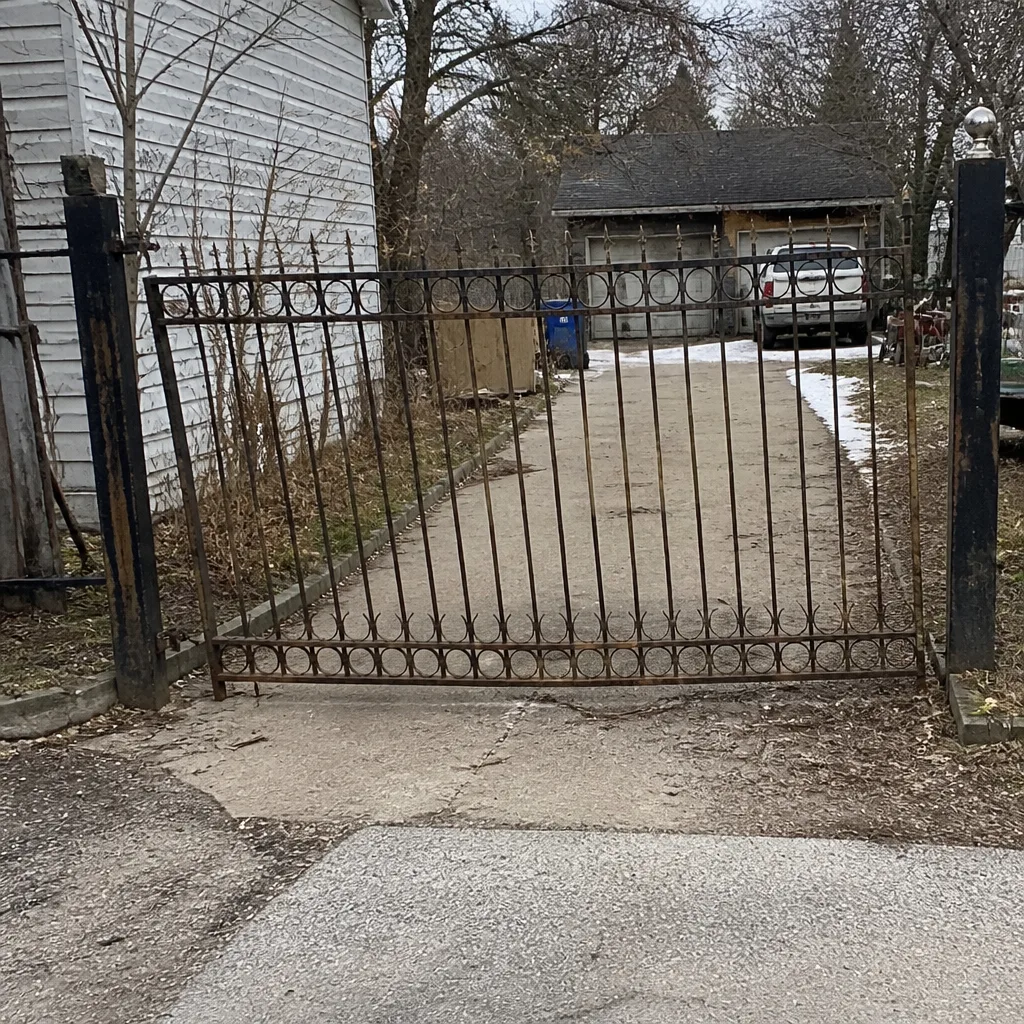 Before
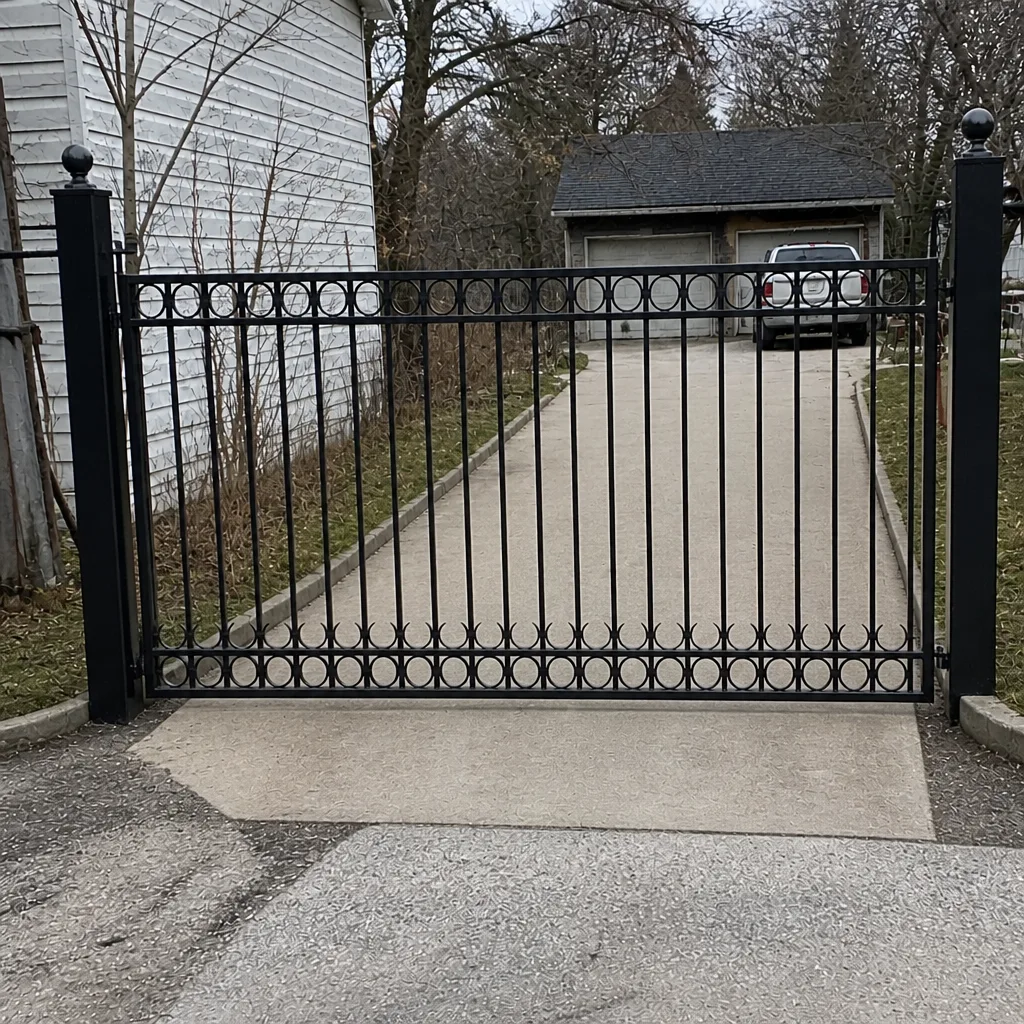 After
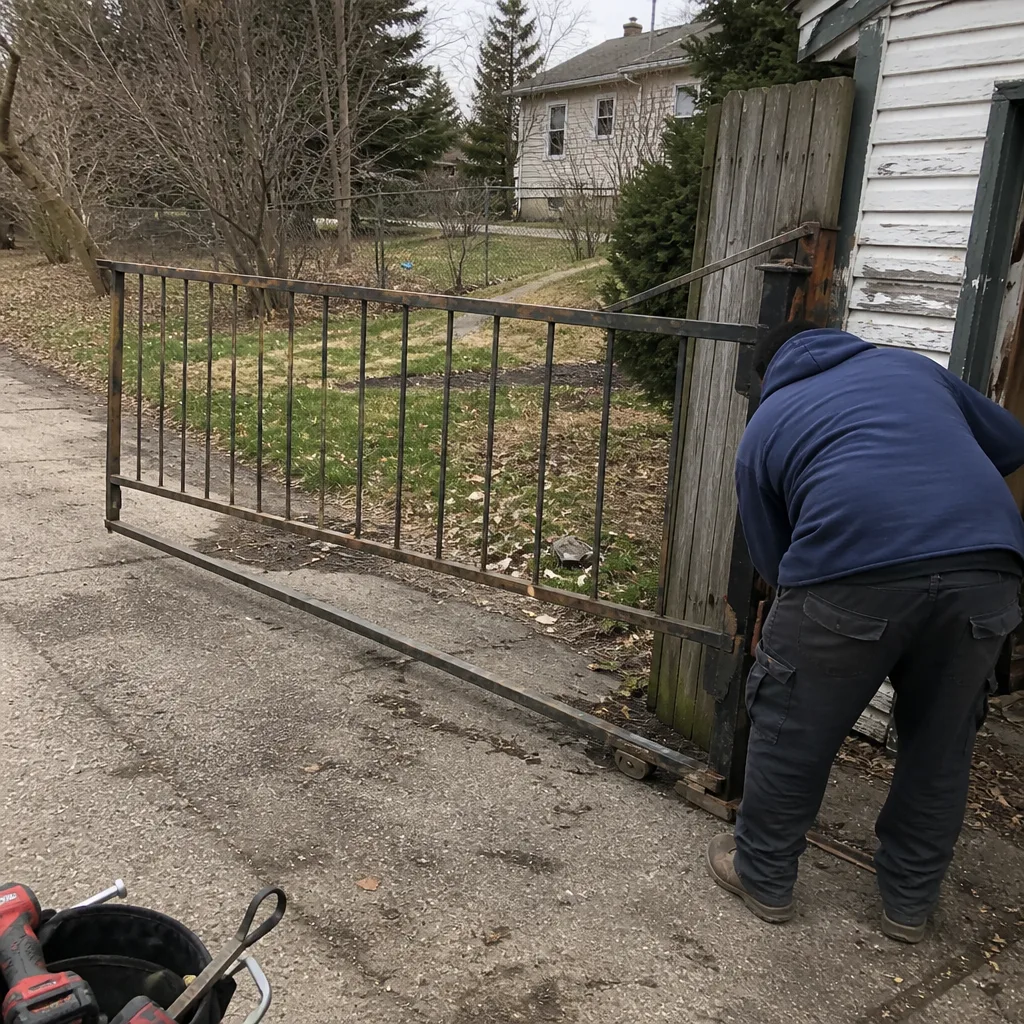 Before
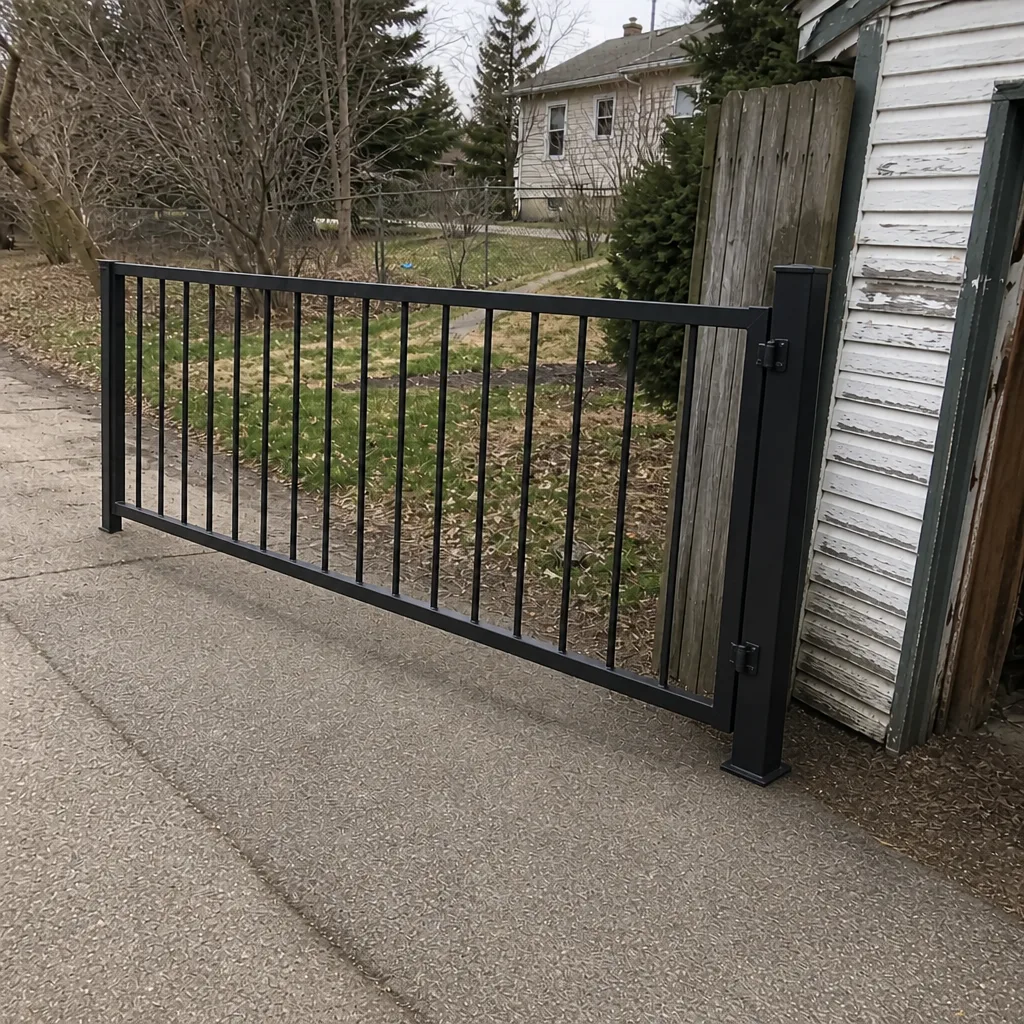 After
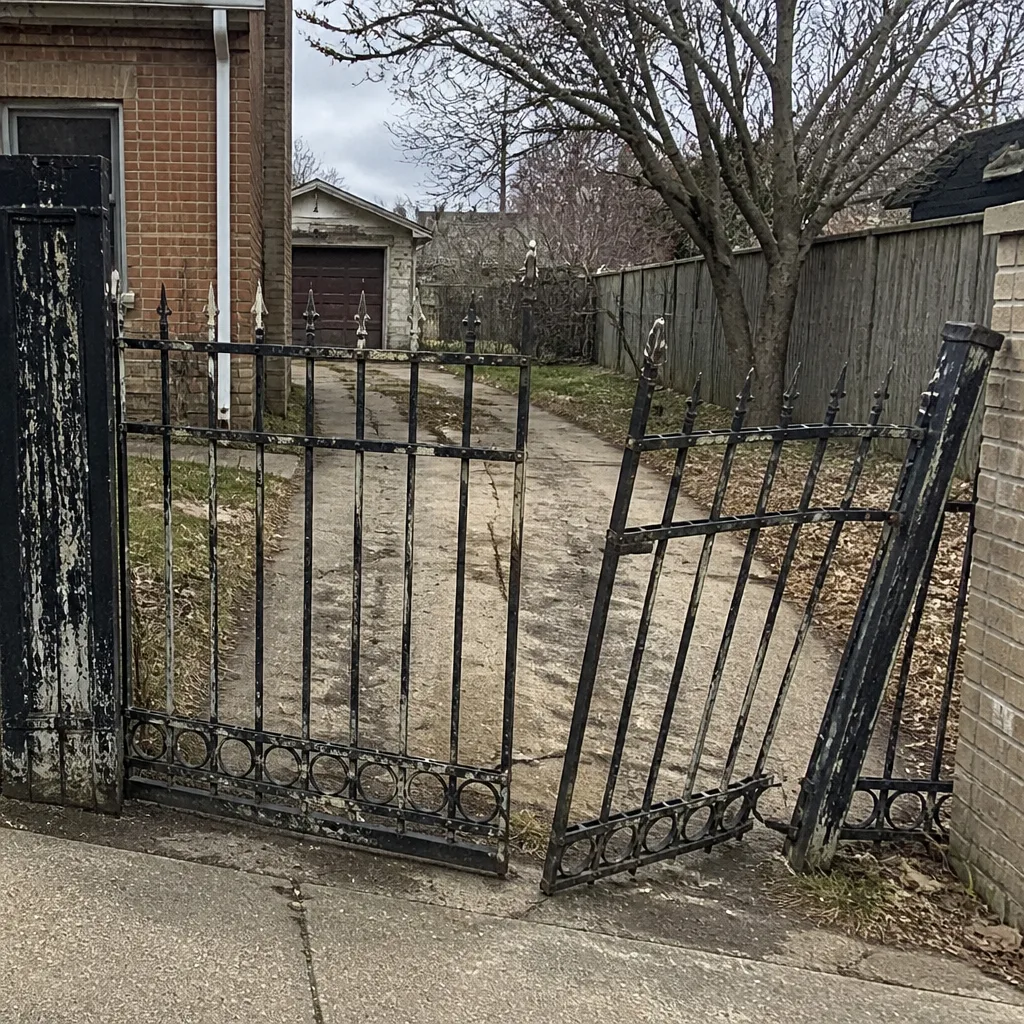 Before
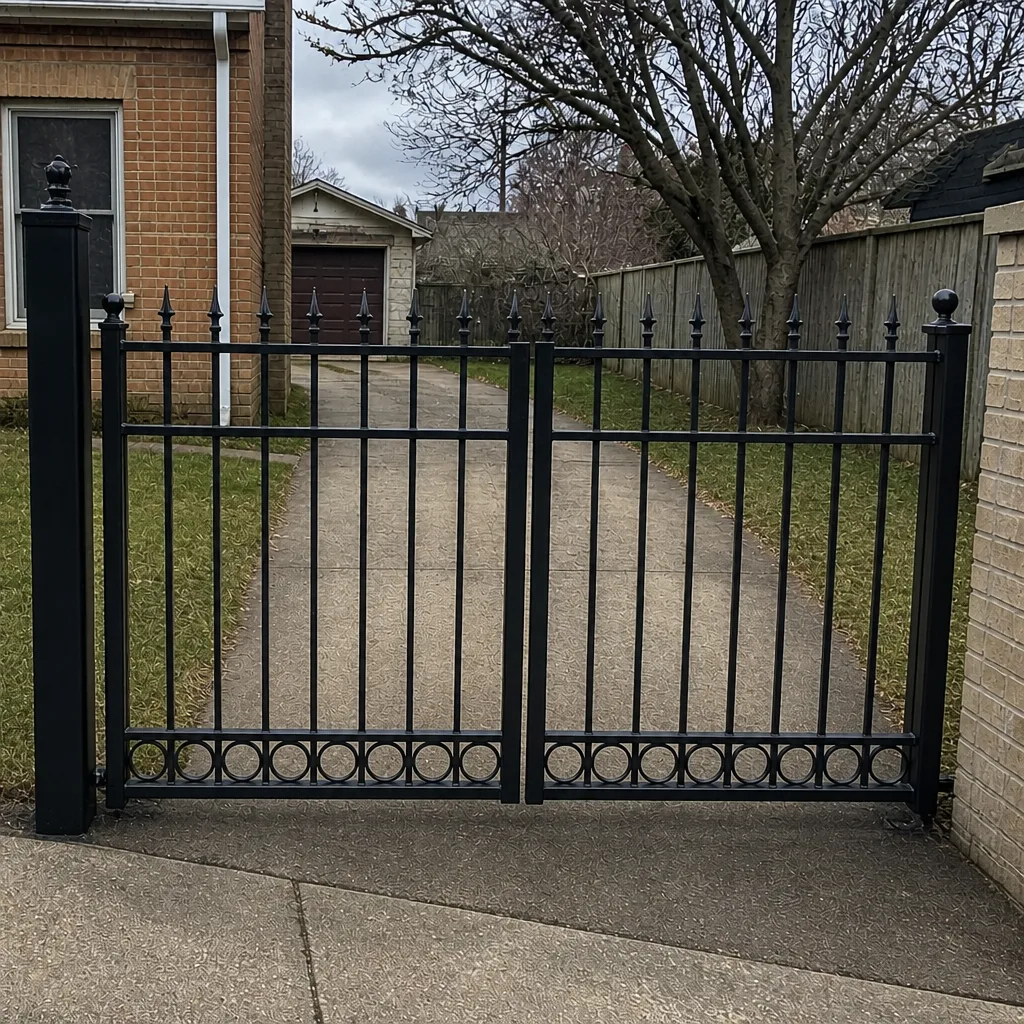 After
When to Call a Professional
Call a technician when the gate reverses without an obstruction, when a safety edge or photo-eye fails a test, when the gate stops mid-travel and won’t restart, when the diagnostic code returns after a power cycle, or when you can see visible damage to hinges, posts, or the gate frame. Call sooner rather than later when the symptom shows a pattern: a slow gate that’s slower every week, a grinding noise that’s louder every month, a remote that fails more often than it works. And call immediately if there’s smoke, a burning smell, or a breaker that keeps tripping, because those are electrical faults. Gate Repair Elgin offers free estimates in Elgin. Call (833) 722-3856. We answer 24/7. Fast dispatch from 7am to 7pm, Sunday through Friday.
Frequently Asked Questions
Your gate reverses because a safety input is telling the operator it detected an obstruction. The most common cause is a misaligned or dirty photo-eye; the second most common is a damaged safety edge or a loop detector sensing a false presence. Do not disconnect the safety device to stop it. Call a technician to diagnose which input is tripping. Call (833) 722-3856 for an exact quote – estimates are free.
Usually not. A remote-works-keypad-doesn’t pattern almost always lives in the keypad itself or its dedicated receiver channel, not in the operator. That’s a small, targeted fix, and it’s one of the easier diagnostics we run. Call (833) 722-3856 for an exact quote – estimates are free.
Cold weather reduces battery capacity and raises the current draw the motor needs to move the gate. A battery that has plenty of life in July can’t push enough current in January, and many operators will hit a thermal cutoff faster in the cold. That’s a battery or thermal-protection issue, not a mechanical one, which is why replacing the gate won’t fix it. Call (833) 722-3856 for an exact quote – estimates are free.
You can and should read it, because it narrows the fault down dramatically and saves diagnostic time. Use the blink pattern or code with your brand manual to identify the fault, and do the safe checks: clear obstructions, wipe the photo-eye lenses, try a power cycle. Anything that involves opening the control board, testing line voltage, or replacing a component is a technician job. Call (833) 722-3856 for an exact quote – estimates are free.
We work on nine gate brands: LiftMaster, FAAC, BFT, Linear, Viking, Ghost Controls, DoorKing, Elite, and Mighty Mule. That covers entry-level residential openers through commercial access control, and it means we’re already familiar with the diagnostic layout of your system. Call (833) 722-3856 for an exact quote – estimates are free.
Yes. We service residential swing and slide gates as well as commercial access control systems using the brands above. Our diagnostics cover the full system: control boards, loop detectors, safety sensors, and automation logic along with the mechanical hardware. Call (833) 722-3856 for an exact quote – estimates are free.
The Bottom Line
Every gate failure telegraphs itself long before it becomes an emergency, but only if you know what the symptom actually means. Grinding points at wear. Clicking and humming point at the control board. Slow travel points at mechanical resistance, not a tired motor. A gate that reverses is the safety system working, not the operator failing. Intermittent symptoms are usually electrical. Progressive symptoms are usually mechanical. A gate that fails only in winter is a battery or thermal issue, and a new gate won’t fix it. The gate repair team at Gate Repair Elgin knows these patterns by heart. Use this guide to read the signal, schedule the repair at the right time, and never bypass a safety input to get the gate moving for the day.
Written by the team at Gate Repair Elgin.